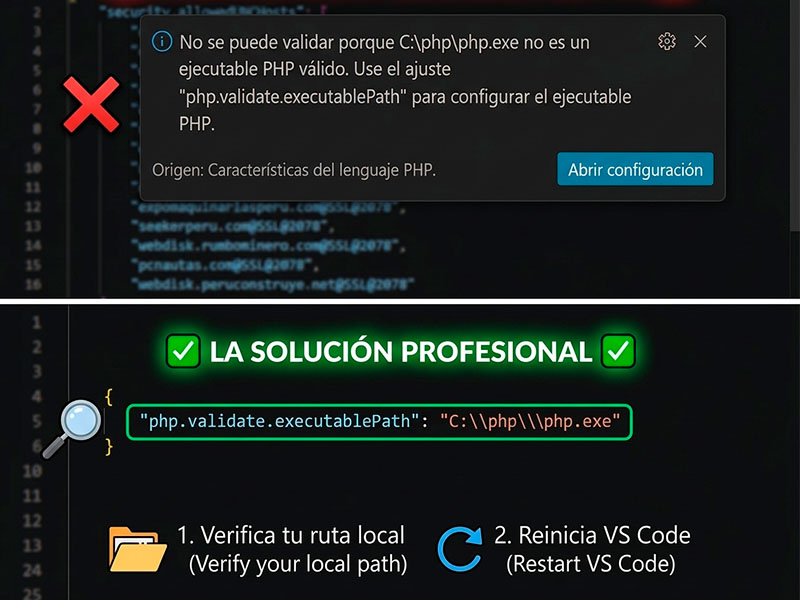
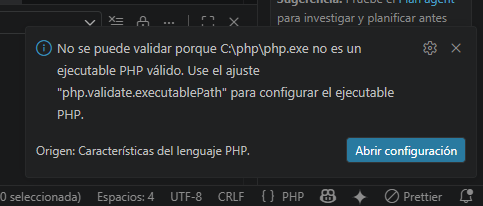
If when you open Visual Studio Code you see the error message: “Cannot validate because C:\php\php.exe is not a valid PHP executable”, it means that the editor cannot find the PHP engine to check your code in real time.
Follow these steps to fix it quickly:
1. Download and install PHP
- Go to the official PHP for Windows website and download the VS17 x64 Thread Safe version (Zip file).
- Visit the URL Here
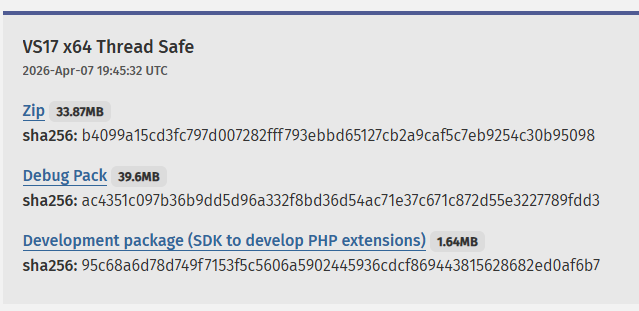
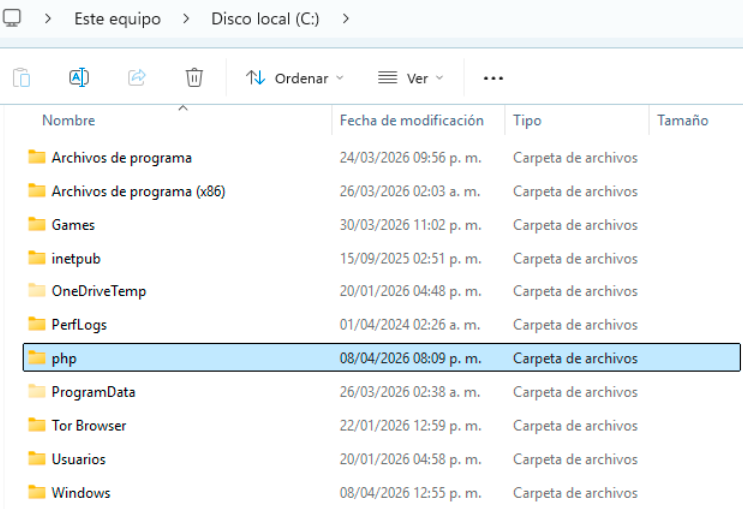
- Create a folder called C:php and extract all the contents of the Zip file there.
2. Configure the path in Visual Studio Code
- Open VS Code and press Ctrl + to open Settings.
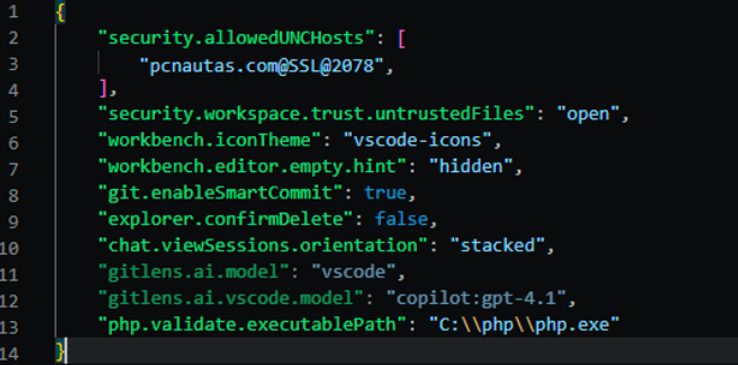
- Click the sheet icon with the arrow (top right) to open the settings.json file.
- Find or add the line
php.validate.executablePathand make sure it contains a double backslash.
JSON
“php.validate.executablePath”: “C:\php\php.exe”
3. Check the installation
- Open a terminal in VS Code (
Ctrl + ñ). - Type the command
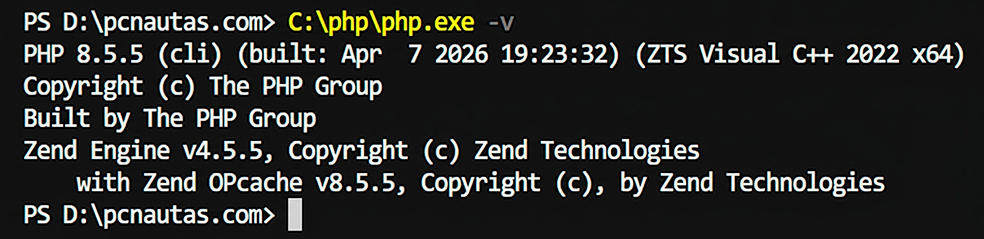
php -v.
C:phpphp.exe -v - If the system responds with the PHP version, the validation is already active and working.