

WordPress is a well-known CMS and therefore can suffer brute-force attacks on the admin section (wp-admin). This type of attack can cause slowdowns on our website due to the overload of requests. To avoid this, we can obfuscate or redirect requests made to the wp-admin login.
Plugin to hide/redirect wp-admin
To change the WordPress login URL, we will use the following plugin
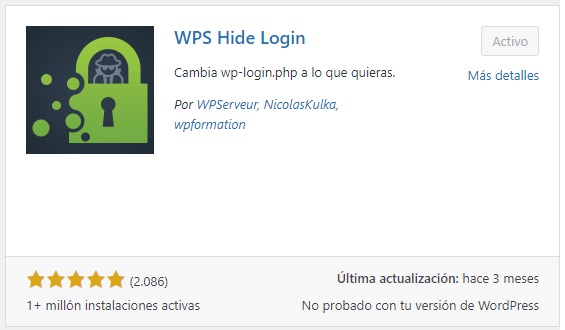
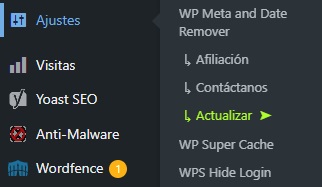
We installed the WPS Hide Login plugin and went to the WordPress settings section.
Upon logging in, you will see the following configuration screen, where you can change the wp-admin path. In our case, we have replaced wp-admin with administrator. To validate this change, click Save changes.
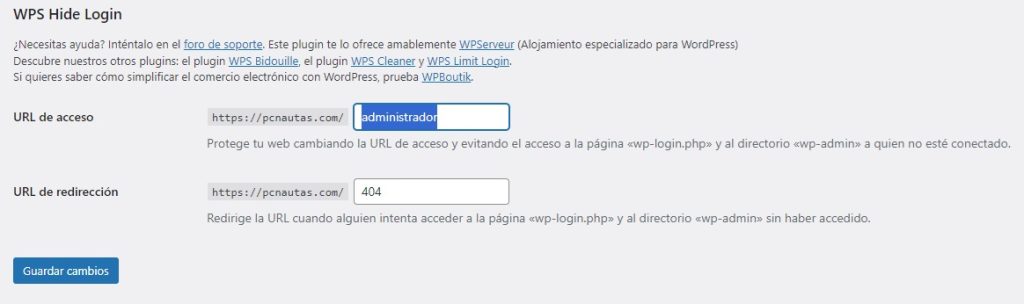
Making this change will significantly reduce brute-force attacks on wp-admin and server resource consumption.