

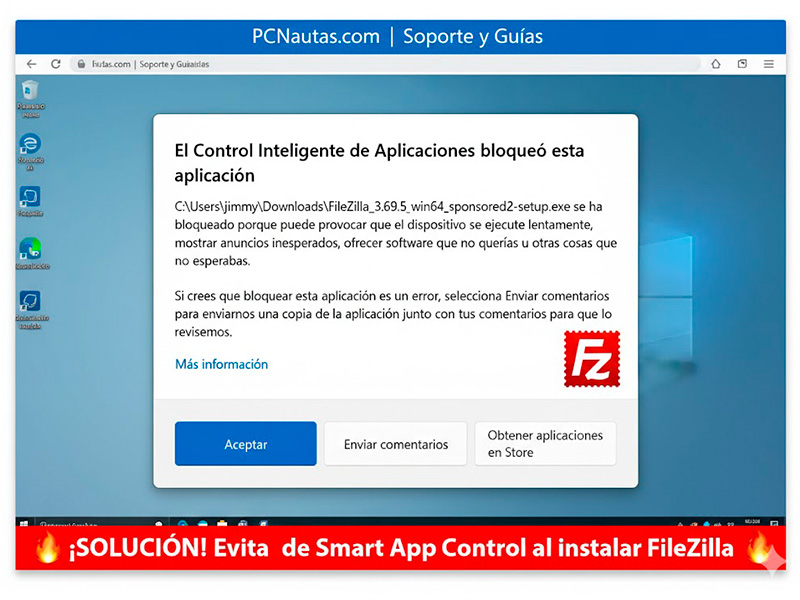
Recently, many users have encountered a problem when trying to install the popular FTP client, FileZilla. When running the installer, Windows displays a Smart App Control message indicating that the application has been blocked because it “may cause your device to run slowly or display unexpected ads.”
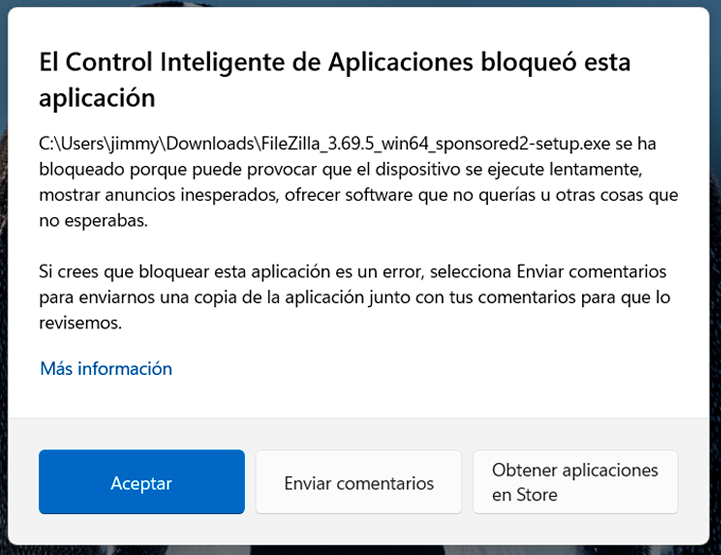
Here we explain what’s really happening and how to fix it safely.
The source of the problem: The “Sponsored” installer
The blocking is not a Windows error, but a Microsoft Defender security measure. FileZilla, on its homepage, offers an installer labeled “sponsored” by default.
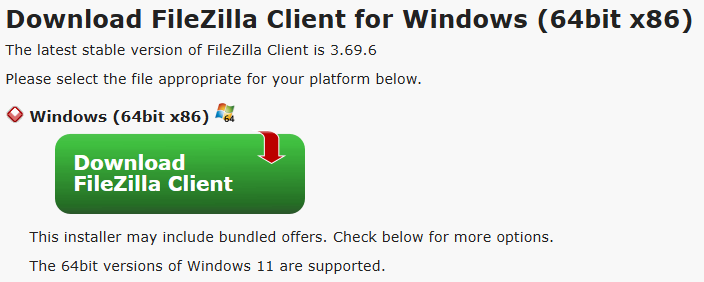
This file includes what in cybersecurity we call PUAs (Potentially Unwanted Applications). These are additional software programs (such as toolbars, search engines, or trial antivirus software) that attempt to install themselves alongside the main program.
Why is Smart App Control so strict?
Unlike the old SmartScreen, the new Smart App Control in Windows 11 uses cloud-based artificial intelligence to determine if an app is trustworthy. If the file doesn’t have a strong digital signature or is known to bundle adware, Windows blocks it outright to prevent:
- System slowdown.
- Intrusive browser ads.
- Unauthorized changes to computer settings.
How to solve it (The right way)
For PCNautas followers, the recommendation is not to disable Windows security, but to download the “clean” version of the software:
STEP 1:
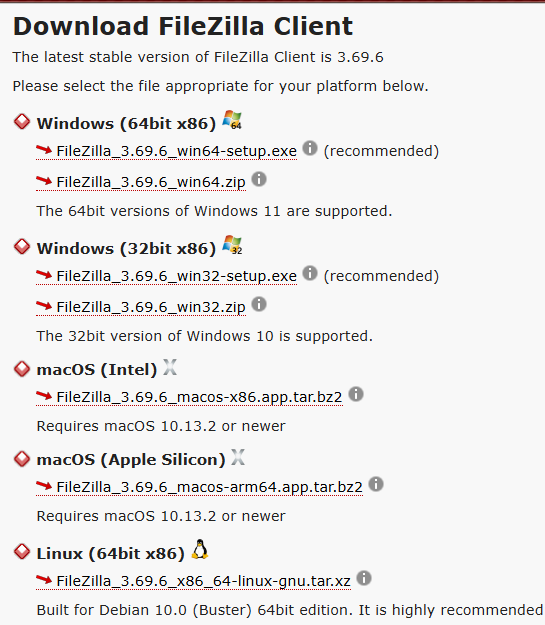
Avoid the main download button: Do not download the first executable you see on the FileZilla website if it has the word “sponsored” in its name.
STEP 2:
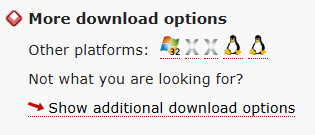
Look for additional options: Click on the link that says “Show additional download options”.
STEP 3:
Choose the standard installer: Download the version that simply says FileZilla_3.x.x_win64-setup.exe. This version is ad-free, has a clean reputation, and Windows will allow it to install without complaint.
Windows blocking is a sign that the system is doing its job. Although FileZilla is a legitimate and safe tool, its monetization model through sponsored installers raises current security concerns. The solution will always be to opt for clean installations and pay attention to the names of the files you download.